
Individuals · remote
Remote IT support to regain a simple, usable digital environment.
TiniSys helps unblock computers, tidy up everyday tools, configure services and understand issues. The intervention is scoped before screen sharing and explained clearly afterwards.
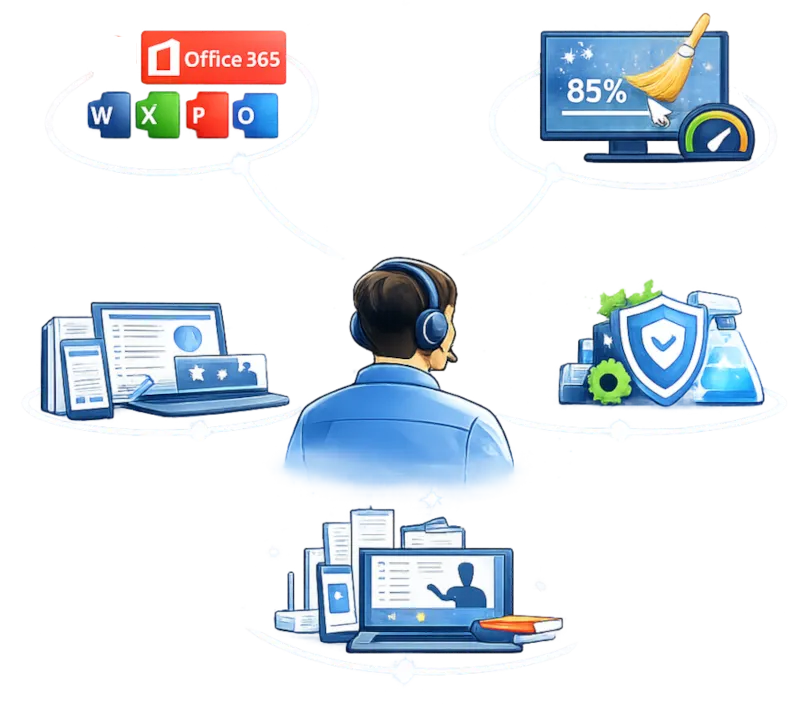
Typical intervention cases
The goal is practical help, without unnecessary jargon, for everyday IT problems.
Slow or unstable computer
Startup apps, disk space, updates, suspicious behavior and basic configuration checks.
Email and accounts
Email setup, access recovery, synchronization, mailbox cleanup and send/receive issues.
Printers and devices
Connection checks, drivers, sharing, scanner, USB or Bluetooth devices.
Everyday software
Installation, updates, settings and fixes for browser, office, PDF or video-call tools.
Security and cleanup
Alert checks, removal of unnecessary software, antivirus checks and practical advice.
Guided support
Step-by-step help to use a tool, organize files, back up data or understand changes.
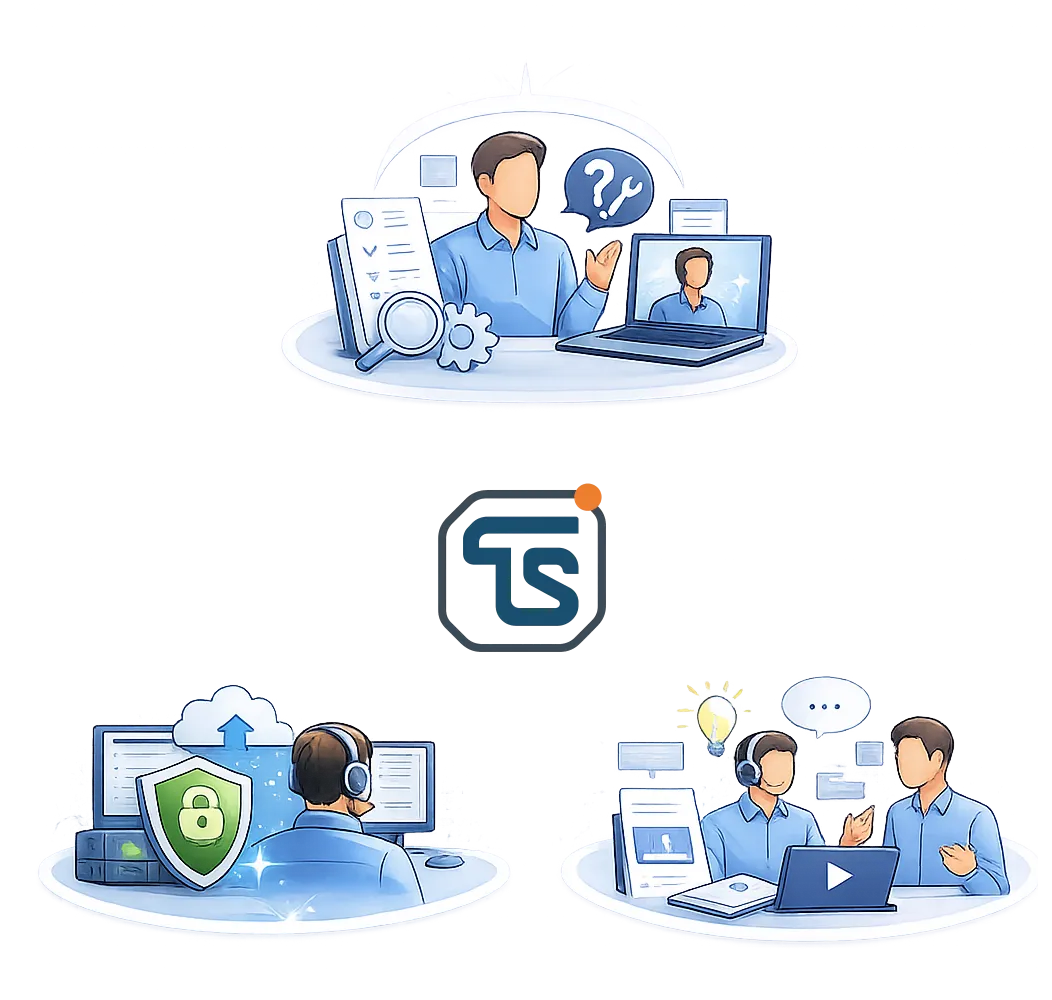
A structured way to work
Even for a small request, the intervention follows a simple logic: understand, act, explain.
No remote access without context
Before acting, we check whether the issue can be handled remotely, whether access is sufficient and whether the expected time matches your need.
1. Need qualification
We clarify the problem, device, urgency, available access and expected result.
2. Secure intervention
Remote access is used only when needed and with your agreement. You keep visibility.
3. Explanation and next steps
You know what was fixed, what to monitor and what to do next if needed.
Simple time-based pricing
Small interventions can be counted in 30-minute blocks rather than a full hour.
Short diagnosis or intervention
For a simple blocker or quick check
- Quick diagnosis
- Simple fix when the topic is clear
- Good for email, printer or blocking setting issues
Standard intervention
For troubleshooting with checks and explanations
- More comfortable context analysis
- Remote access, correction and tests
- Clear summary of what was done
Before starting
A few points save time and avoid surprises.
What do I need for a remote intervention?
A working internet connection, an accessible computer and, if needed, permission for remote access.
Can everything be fixed remotely?
No. Hardware failures or a fully disconnected device may require local intervention.
Is it suitable if I am not comfortable with IT?
Yes. Guidance can be step-by-step, with simple explanations and remote access only if you agree.
Need to clarify an IT issue?
Describe the issue, device and your availability. The first exchange checks whether remote help is suitable.